Registration
While everybody can browse projects, view translations or suggest them, only registered users are allowed to actually save changes and are credited for every translation made.
You can register by:
Using email
Go to http://translate.claroline.com
Click on "Register" in the top bar

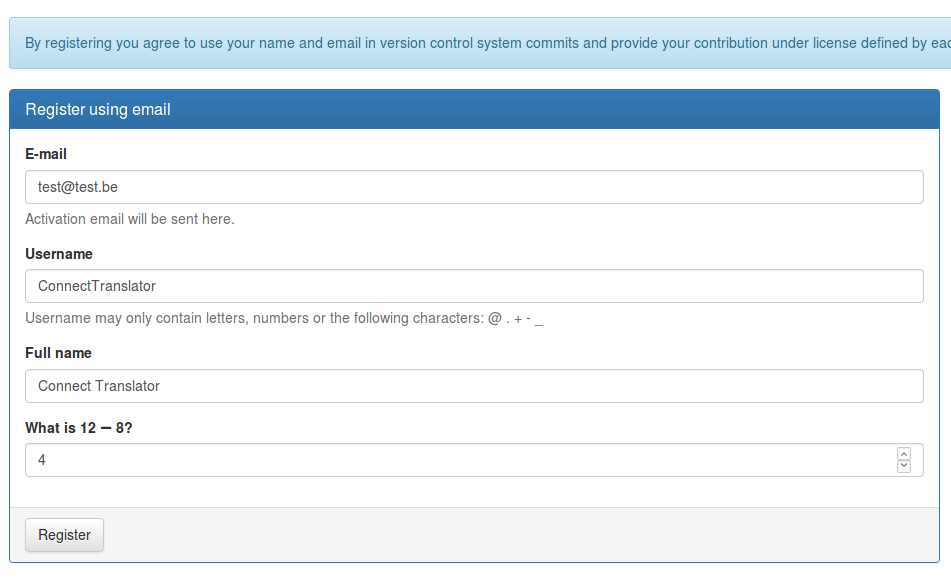
Fill out the registration form with your E-mail, Username and Full name
Answer the question to prove you're not a robot
Click on "Register"
You get a message telling you you're going to receive an email with a confirmation link you have to follow in order to complete your registration.
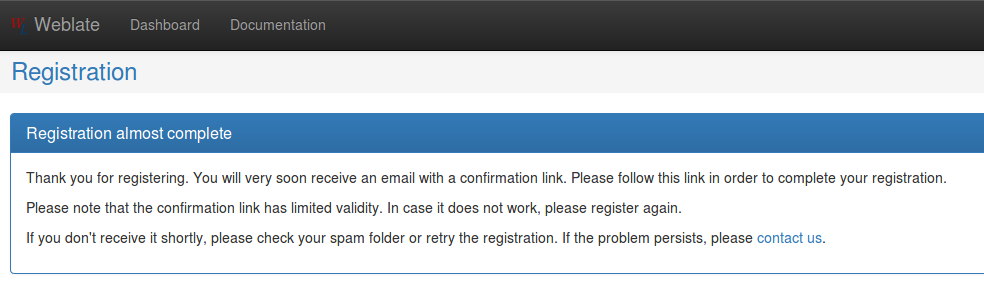
Activate registration by following in the email you receive
Using third party
Third-party registration is possible via GitHub, Google+ and Facebook.
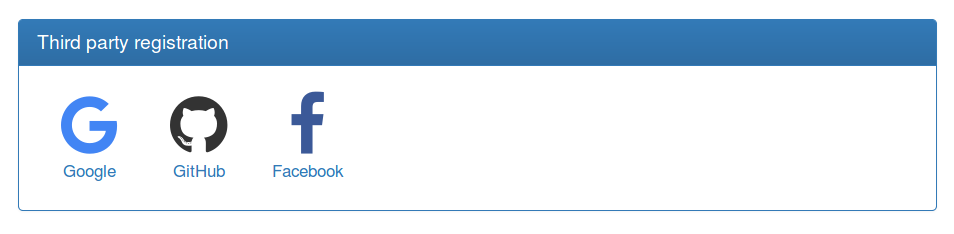
Once connected, you'll have to adjust your profile.